Secure Password Generation Guide: 2025 Best Practices
Learn how to create strong passwords that protect your accounts from hackers and tips for password management.
The Reality of Password Security
According to security reports published in 2024, more than 80% of data breaches are related to weak or stolen passwords. The average cost of a data breach is $4.45 million, and a significant portion of these incidents could have been prevented simply by using stronger passwords.
The surprising fact is that the top 10 most commonly used passwords are still things like 123456, password, and qwerty. Attackers try these common passwords first, so using them is no different from leaving your front door open.
In this article, we'll understand the principles of password attacks and learn practical strategies to defend against them.
How Do Hackers Crack Passwords?
To defend against password attacks, you first need to understand the attack methods.
Brute Force Attack
The simplest method that tries every possible combination. Modern GPUs can calculate billions of hashes per second, cracking short passwords in an instant.
| Password Complexity | Cracking Time |
|---|---|
| 6 lowercase letters | Instant |
| 8 lowercase letters | 5 hours |
| 8 upper+lowercase | 22 days |
| 8 chars + numbers | 1 year |
| 12 chars + special | 34,000 years |
| 16 chars upper+lower+num+special | Hundreds of millions of years |
Dictionary Attack
Tries commonly used words, phrases, and password lists. Passwords like "password123" or "iloveyou" are exposed within seconds to dictionary attacks.
Rainbow Table Attack
Uses a pre-computed database of hash values to find original passwords from hashes. This is why modern systems add salt to passwords before storing them.
Credential Stuffing
Tries email/password combinations leaked from other services on different services. If you reuse the same password in multiple places, you become vulnerable to this attack.
Social Engineering
Not a technical attack, but one that exploits human psychology. Phishing emails, fake login pages, etc. are used to directly extract passwords.
Password Entropy: Why Length Matters More Than Complexity
Password strength is measured by "entropy." Higher entropy means harder to predict. Mathematically, entropy increases proportionally with password length.
Let's look at examples:
P@ss1(5 chars) - Has special characters but entropy is about 26 bitsthisisapassword(15 chars) - Only lowercase but entropy is about 70 bits
The second password is much more secure. Increasing length is more effective for security than using complex characters.
NIST's Latest Recommendations (SP 800-63B)
The 2023 updated guidelines from the National Institute of Standards and Technology recommend practices different from past conventions:
- Minimum 8 characters, recommended 15+: Length is most important
- Relaxed complexity requirements: Forcing special characters creates predictable patterns
- No periodic changes recommended: Only change when leaked
- Check against leaked lists mandatory: Block common and leaked passwords
Passphrases: Easy to Remember and Secure
A passphrase is a long password connecting multiple words. The "correct horse battery staple" example from the XKCD comic is representative.
Diceware Method:
- Roll a die 5 times to get a 5-digit number
- Find the word for that number in the Diceware list
- Connect 4-6 words
Example: umbrella orange bicycle mountain
This password is:
- Length: 30+ characters
- Easy to remember
- Takes thousands of years to crack
- Easy to type
For additional security, you can add numbers or special characters:
umbrella5-orange-bicycle-Mountain!
Password Managers: The Only Realistic Solution
The average person has over 100 online accounts. It's impossible to remember a unique, strong password for each account. Password managers are the only realistic solution.
Major Password Manager Comparison
| Feature | 1Password | Bitwarden | KeePass |
|---|---|---|---|
| Price | Paid | Free/Paid | Free |
| Cloud sync | Included | Included | Self-setup |
| Open source | X | O | O |
| Offline use | O | O | O |
| Family sharing | O | O | Limited |
Master Password Strategy
The password manager's master password protects everything. It must be the strongest, and you must be able to remember it.
Recommended approach:
- Use a passphrase of 16+ characters
- Base it on a sentence that's personally meaningful but unknown to others
- Never use this password anywhere else
- Optionally write it down and store in a secure location (safe) as backup
Two-Factor Authentication (2FA): Passwords Alone Aren't Enough
Even the strongest password can be exposed through phishing or data breaches. Two-factor authentication adds "something you have" (authentication device) to "something you know" (password).
2FA Method Comparison
| Method | Security Level | Convenience |
|---|---|---|
| SMS codes | Low (SIM swapping risk) | High |
| App OTP (Google Authenticator) | Medium | Medium |
| App push notifications | Medium-High | High |
| Hardware key (YubiKey) | High | Low |
| Passkey | High | High |
Hardware keys are recommended for your most important accounts (email, financial). If your email account is hacked, all other account passwords can be reset, so email security is most critical.
Passkey: A Password-Free Future
Passkey is a next-generation authentication technology developed jointly by Apple, Google, and Microsoft. It uses device biometric authentication (fingerprint, face) instead of passwords.
Advantages of Passkey:
- Immune to phishing (bound to domain)
- Nothing to remember
- No secrets stored on server
- Supported by major browsers and OS
Not all services support it yet, but adoption is gradually expanding. Use Passkey as your first choice when available.
Password Policies for Enterprise Environments
When establishing password policies in organizations, refer to NIST guidelines:
Recommended Policy:
- Minimum length: 12 characters (15 for admin accounts)
- Maximum length: No limit (allow at least 64 chars)
- Complexity: Don't require, but block common passwords
- Expiration: Only force change when leaked
- History: Prevent reuse of last 5 passwords
- Lockout: Temporary lock after 10 failed attempts
Checklist: What to Do Right Now
- Check for leaks: Verify your email address at haveibeenpwned.com
- Review important accounts: Check password strength for email, financial, social accounts
- Install a password manager: Bitwarden (free) or 1Password (paid)
- Enable 2FA: At minimum for email and financial accounts
- Eliminate password reuse: Replace with unique passwords generated by your manager
Toolypet Password Tools
Strengthen your security with Toolypet's password tools:
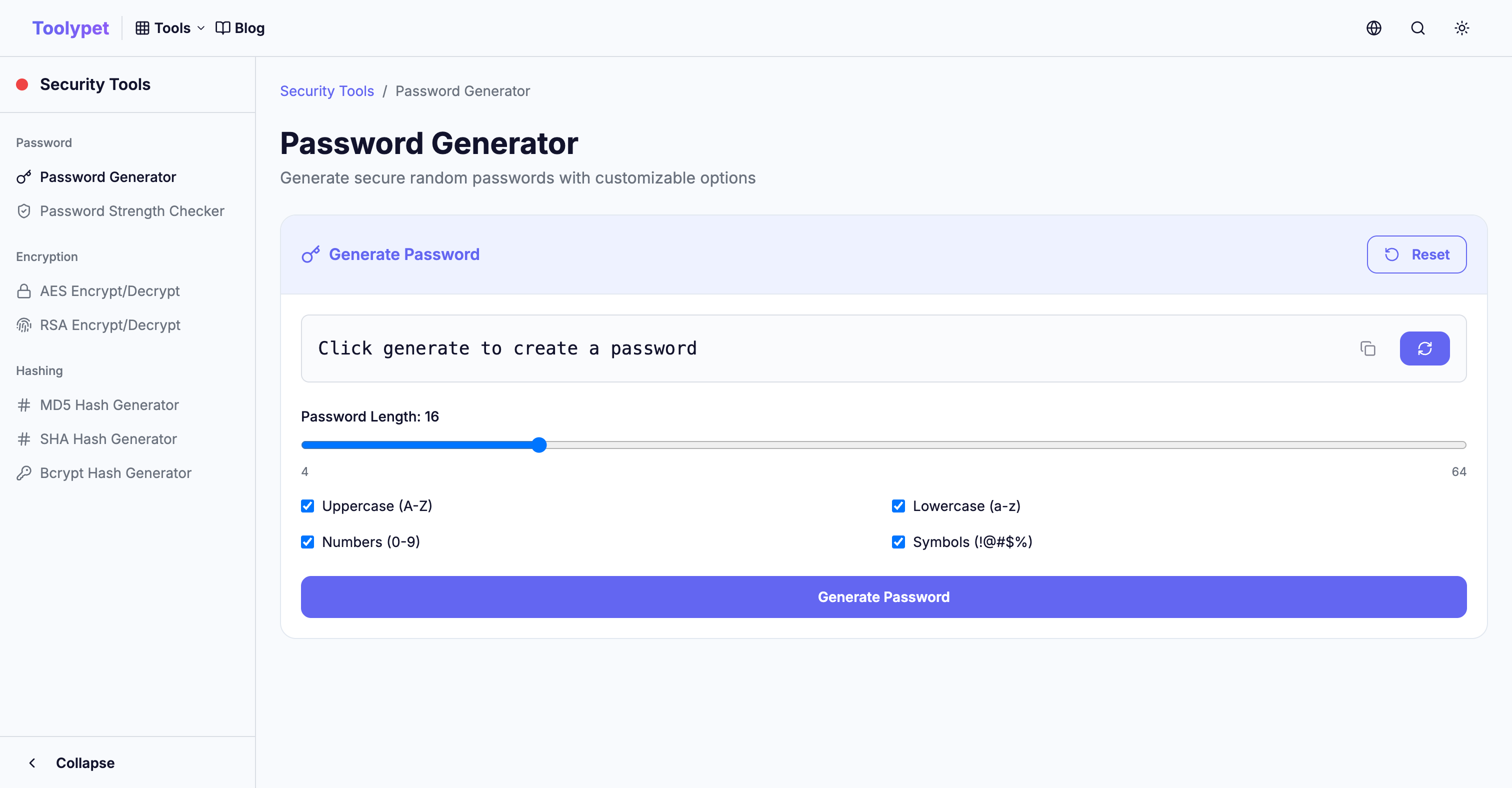
- Password Generator: Generate random passwords with desired length and complexity
- Passphrase Generator: Generate secure passphrases that are easy to remember
- Password Strength Checker: Analyze expected cracking time and vulnerabilities of passwords
Strong passwords are the beginning of digital security. Protect your accounts safely with Toolypet.